
Character Database
Cartoon Character Color Codes
Toon Tone publishes a dedicated profile for each current character round, using the same project scoring value shown by the game. Browse the HEX, HSB, and RGB reference for the named body part, clothing item, or accessory, then replay the round without the answer visible.
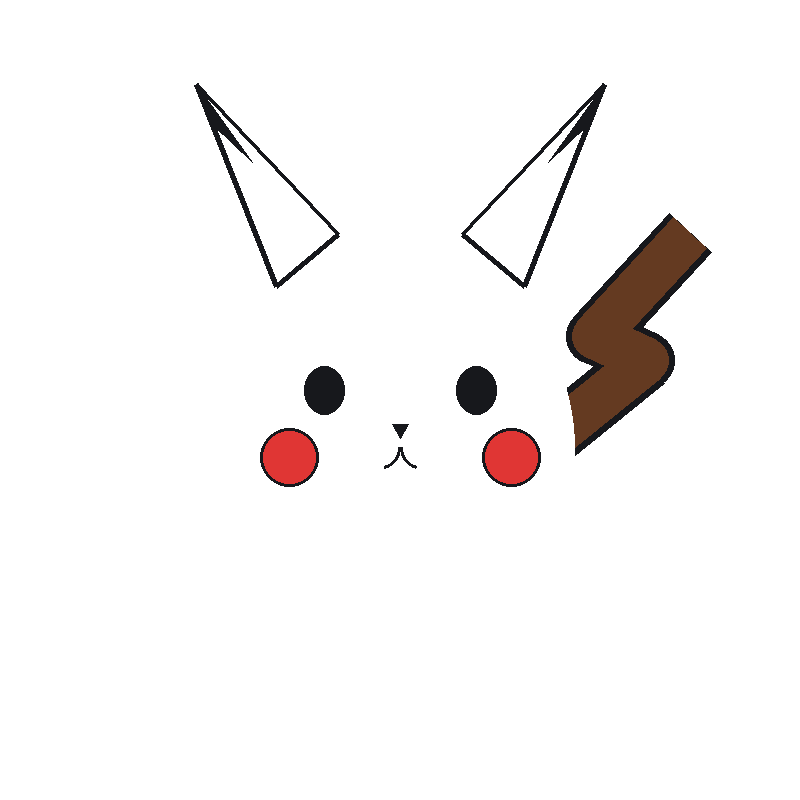
Pikachu
Body · Toon Tone target #FCD33B.
View Pikachu profile ->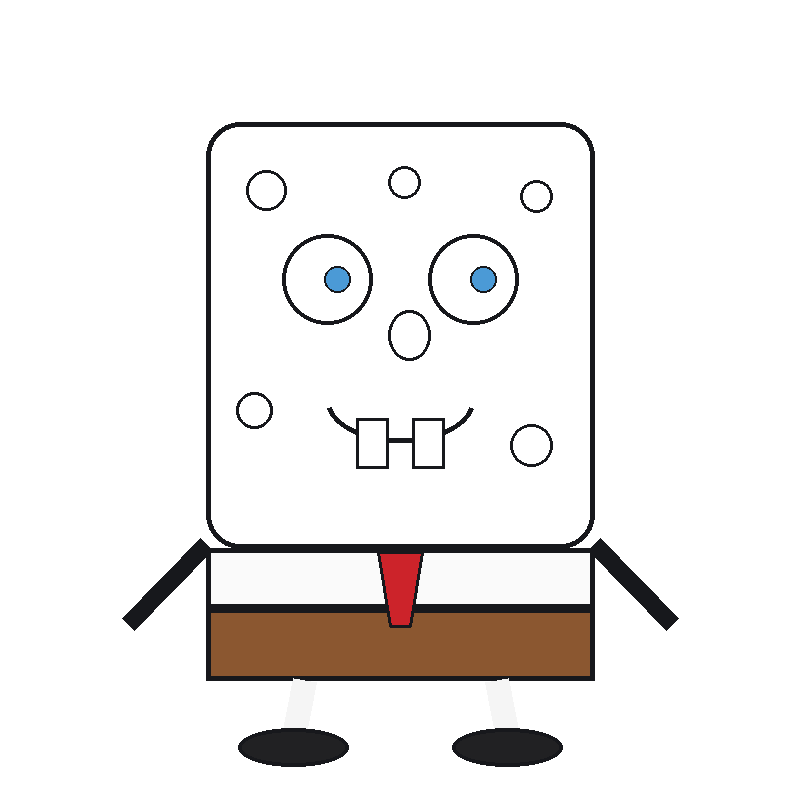
SpongeBob
Body · Toon Tone target #FEEF00.
View SpongeBob profile ->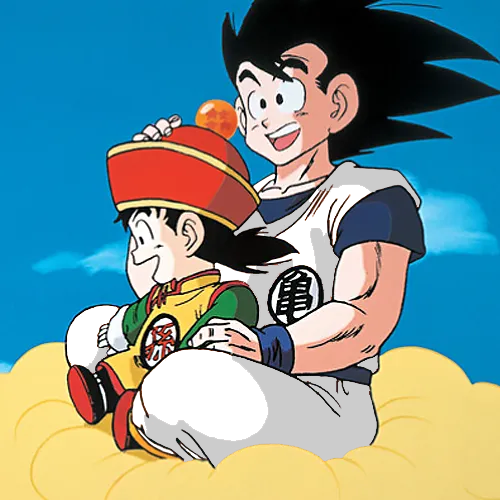
Goku
Turtle Hermit Gi · Toon Tone target #F06E26.
View Goku profile ->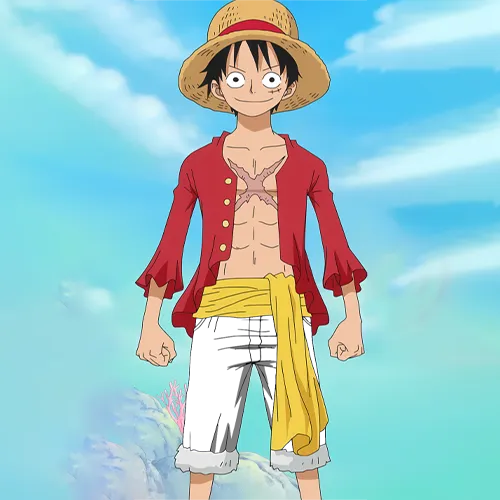
Monkey D. Luffy
Shorts · Toon Tone target #4E6AB3.
View Luffy profile ->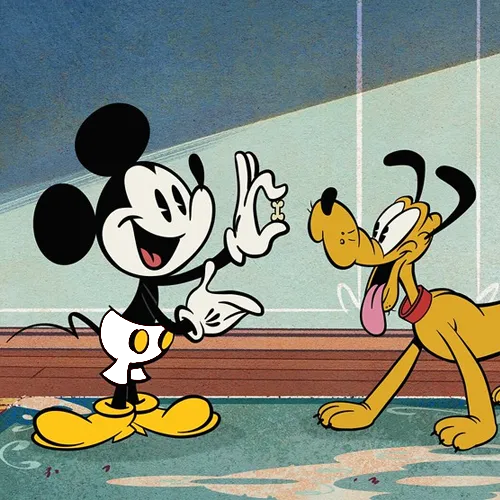
Mickey Mouse
Shorts · Toon Tone target #BF3332.
View Mickey profile ->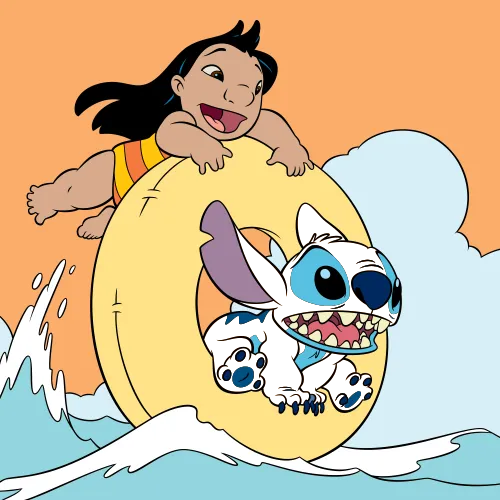
Stitch
Body Fur · Toon Tone target #5078A7.
View Stitch profile ->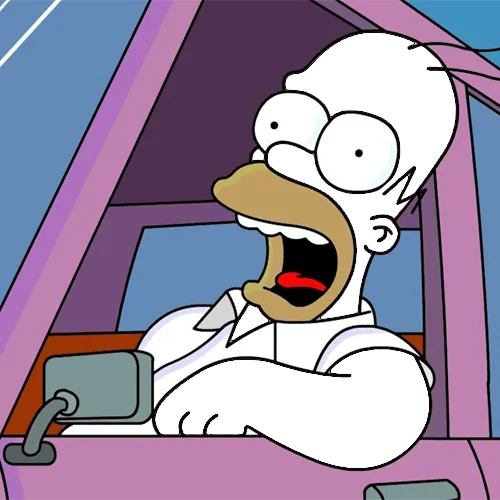
Homer Simpson
Skin · Toon Tone target #FED90F.
View Homer profile ->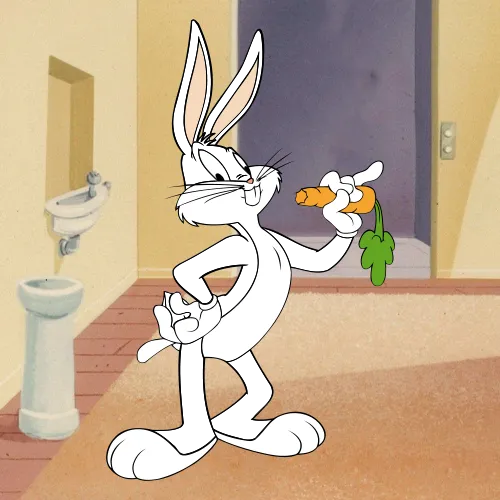
Bugs Bunny
Skin · Toon Tone target #ABB5B7.
View Bugs Bunny profile ->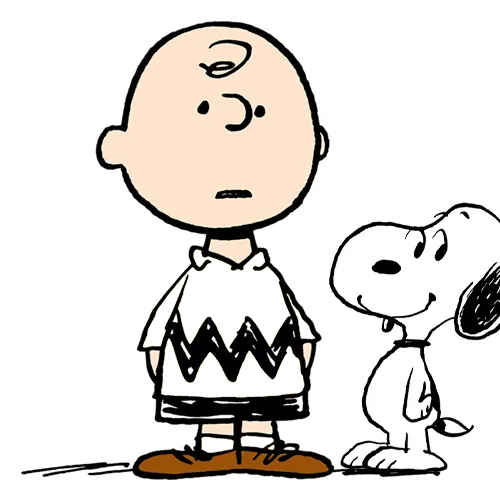
Charlie Brown
Shirt · Toon Tone target #FFDA06.
View Charlie Brown profile ->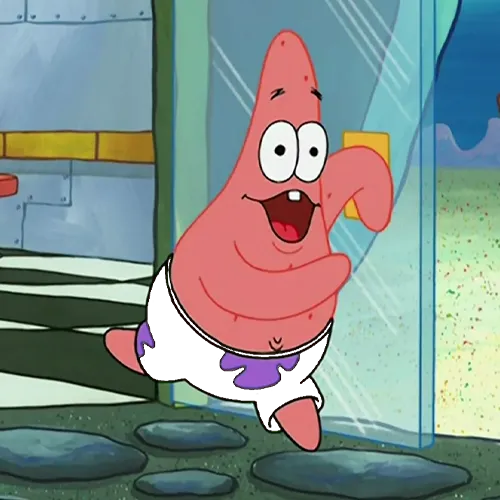
Patrick Star
Shorts · Toon Tone target #A1E82F.
View Patrick profile ->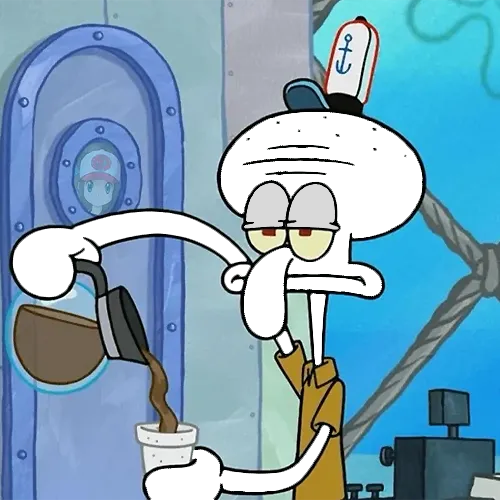
Squidward
Skin · Toon Tone target #B4D8CA.
View Squidward profile ->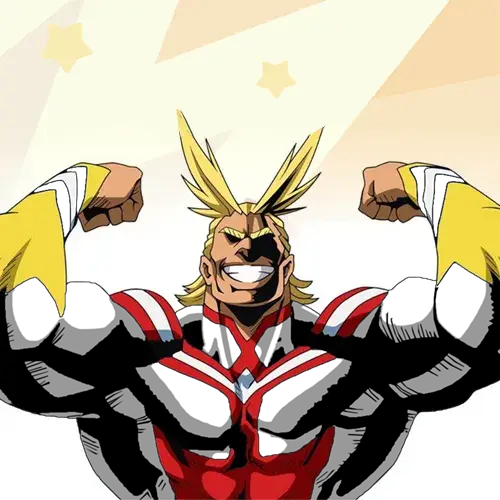
All Might
Hero Suit · Toon Tone target #212F78.
View All Might profile ->The Character Tone library contains all current published rounds. This page highlights a smaller set of profiles with direct links to the active Toon Tone scoring values.
What Are Cartoon Character Color Codes?
Cartoon character color codes are numerical color references — expressed here in HEX, HSB, and RGB — for a character's skin, hair, clothing, or accessories. Animation studios often use internal model sheets, palette references, and production guidance to keep a character recognizable, but on-screen colors can still vary with release, lighting, grading, compression, and display conditions.
Toon Tone documents one consistent reference value for each color-memory target used by the game. These are project scoring values, not official rights-holder specifications. Keeping one documented value per round makes guesses comparable, while the profile pages explain the HEX, HSB, RGB, and nearby-shade differences players can use when reviewing a result.
Why Cartoon Character Color Codes Matter
The short answer is memory. When you play Toon Tone, you're testing how accurately your brain stored a specific color over years of watching. The cartoon character color codes published here serve two purposes: they give players a precise reference after each round so they can see exactly where their memory drifted, and they're genuinely useful for anyone creating work inspired by these characters.
A character can look lighter, darker, warmer, or cooler across scenes and screens, so a single screenshot is not a universal color specification. Toon Tone's HEX and RGB values provide a consistent project baseline for the game and for comparison. If you need production-accurate or commercial brand guidance, use the relevant rights holder's current official assets or style documentation instead.
For color study, compare current Toon Tone targets rather than assuming the site's values reveal a studio's design intent. Pikachu's body target is #FCD33B at about H:47°, S:77%, B:99%, while Mickey Mouse's shorts target is #BF3332 at about H:0°, S:74%, B:75%. Those numbers make it easy to compare two project targets without claiming that every licensed image or production frame must use the same value.
HEX, HSB, and RGB — Three Formats, Three Use Cases
Toon Tone documents every entry in three formats because different workflows need different values:
HEX — codes like #FCD33B or #FEEF00 are a compact format
for web browsers, design tools like Figma and Adobe XD, and most digital illustration apps.
Six characters encode the red, green, and blue values in base-16. Paste directly into Photoshop,
Procreate, or a CSS stylesheet without any conversion.
HSB (Hue, Saturation, Brightness) is the format Toon Tone's sliders use because it gives the game three direct controls. Hue places the color on the spectrum (0–360°), Saturation controls how vivid or washed-out it is (0–100%), and Brightness controls how light or dark it sits (0–100%). HSB is useful here as an interaction model; it is not presented as a scientific model of how human color memory is encoded.
RGB breaks every color into red, green, and blue light channels on a 0–255 scale. It's the fundamental format for screen display, digital illustration, and export pipelines. When a cartoon character color code lists RGB(245, 201, 20), every design application in existence can read and reproduce that value exactly.
How the Current Character Library Is Organized
Toon Tone's Character Tone library mixes characters from Western animation, anime-related franchises, games, and long-running television series. What matters for the database is not assigning one color philosophy to an entire tradition; each published page maps one named round target to the value currently used by the game.
Warm, vivid targets include Goku's Turtle Hermit Gi (#F06E26), Charlie Brown's shirt (#FFDA06), and Homer Simpson's skin (#FED90F). Their HSB values make useful comparisons because the hues are close to orange or yellow while saturation and brightness vary.
Blue and teal targets include Luffy's shorts (#4E6AB3), Stitch's body fur (#5078A7), Donald Duck's sailor jacket (#0281BF), and Squidward's skin (#B4D8CA). Comparing those pages shows how colors in a broadly similar family can differ dramatically in saturation and brightness.
Neutral and muted targets such as Bugs Bunny's skin (#ABB5B7) provide a different challenge from the bright mascot colors. The full Character Tone library is the canonical list of current published profiles.
How to build a cartoon color palette from character references
A useful cartoon color palette is more than a list of isolated HEX codes. Start by choosing a small set of reference colors that need to work together, then compare their hue, saturation, and brightness. For example, pairing the brighter Pikachu target #FCD33B with the darker All Might suit target #212F78 creates strong light-dark contrast, while pairing several bright yellows can make individual shapes harder to separate.
If you are studying an existing character, keep the palette tied to that character and the scene you are analyzing. If you are creating original art, use these values only as starting points for comparison and build your own palette around the mood, background, accessibility, and medium you actually need. Toon Tone's values are project scoring references, not a claim that one palette is universally correct for a franchise.
HSB is especially useful for palette comparison. Keep hue similar when you want a family of related colors, reduce saturation for quieter supporting colors, or change brightness to separate foreground elements from shadows and backgrounds. That makes a palette easier to reason about than copying multiple HEX values without understanding how they differ.
Practice guessing cartoon character colors instead of memorizing the answer
Search interest around guess the colors of cartoon characters matches Toon Tone's core task: make a color choice before seeing the stored reference. Pick a character you know well, hide the answer, and commit to a first HSB guess. After the round, compare the result with the target and identify whether the miss came mainly from hue, saturation, or brightness.
This approach turns a character color code into feedback rather than a cheat sheet. Replaying later without the value visible tests whether your memory improved. The Character Tone library is the best place to choose another round once you have reviewed a result.
How Toon Tone Uses Cartoon Character Color References
Each playable round needs one stable target so scores are comparable from one game to the next. Toon Tone therefore stores a project reference color for the named body part, clothing item, or accessory and converts that same target into HEX, HSB, RGB, and HSL on the profile page. The stored value is the scoring target used by Toon Tone; it is not presented as an official studio color standard.
Real-world source images can disagree because of lighting, color grading, release format, compression, scanning, and display calibration. When a character appears different elsewhere, use the page as a record of the Toon Tone target rather than a claim that every frame or licensed asset must match exactly.
Using Cartoon Character Color Codes for Fan Art and Design
Toon Tone publishes these numeric color references so players can review a round and compare shades. They can also be useful as starting points for personal fan art, cosplay, design studies, and educational work. Toon Tone is an independent fan project and is not affiliated with any animation studio or rights holder; using a numeric reference does not grant rights to the underlying characters or artwork.
For digital illustration in Procreate or Photoshop, paste the HEX code directly into the color picker. For fabric dyeing or physical production, use the HSB values as a reference when working with a color-matching service. For motion graphics or web development, the RGB values drop straight into any CSS or code-based workflow.
Cartoon Character Color Codes — FAQ
What format should I use for fan art — HEX or RGB?
For digital illustration tools like Photoshop, Procreate, Clip Studio Paint, and Figma, paste the HEX code directly into the color picker — it's the fastest path from the database to your canvas. For motion design tools or code-based workflows, use the RGB values. HSB is most useful when you're adjusting colors interactively or working with a tool that exposes the HSB color model natively, like Toon Tone's own sliders.
Why does Pikachu's yellow look different in different images?
Pikachu's yellow can vary across screenshots, releases, displays, compression settings, and scene lighting. Toon Tone uses one consistent scoring value so every player is judged against the same target. Treat that value as the Toon Tone reference for the round rather than an official Pokémon color specification that every image must match.
Are the cartoon character color codes here official values?
No. Toon Tone is an independent fan project and is not affiliated with any animation studio, network, or rights holder. The listed values are the reference and scoring colors used by this project. They are useful for reviewing a Toon Tone round, but they should not be represented as rights-holder-approved official specifications.
How can I build a cartoon color palette from these character references?
Choose a small set of colors, compare their HSB values, and decide what contrast you need between the main subject, supporting elements, and background. Use Toon Tone values as project references and testing points, not as official studio palette specifications. For original work, adjust the palette for your own scene, medium, and accessibility needs.
How can I practice guessing cartoon character colors?
Pick a Toon Tone round, avoid looking at the answer, and make a first HSB guess from memory. After submitting, compare the stored target with your result and identify whether hue, saturation, or brightness caused the largest difference. Replay later without the value visible instead of memorizing the HEX code immediately.