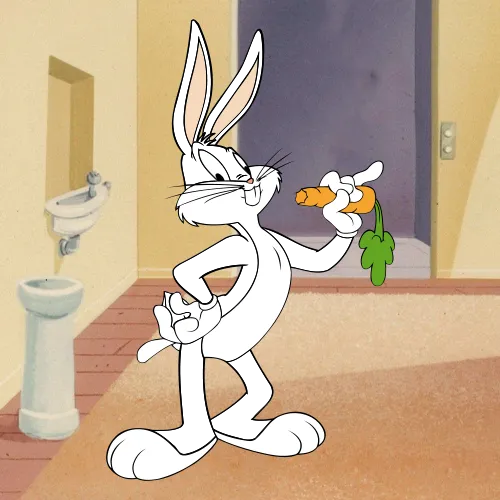
Bugs Bunny skin scoring color values
The Toon Tone scoring color for this round shown as HEX, RGB, HSB, and HSL.
- HEX
#ABB5B7
- RGB
- 171, 181, 183
- HSB
- 190°, 7%, 72%
- HSL
- 190°, 8%, 69%
Nearby grays for comparison
#ABB4B8#ABB7B8#B8B8B8#95B2B8#8A9294Target color for this character round
After you play the Bugs Bunny skin round, compare your guess with the Toon Tone scoring color: #ABB5B7. In this project it maps to RGB(171, 181, 183) and HSB(190°, 7%, 72%).
What to notice
The target sits in the blue range, with softly saturated color and bright brightness. Focus on the skin from Looney Tunes (1930), then replay without keeping the values visible.
Common misses
Most misses happen when the hue lands in the right family but saturation or brightness drifts. If your guess feels washed out, raise saturation; if it looks too heavy or too pale, adjust brightness before changing hue.
Memory cues
Remember Bugs Bunny by anchoring the skin to #ABB5B7: hue 190°, saturation 7%, brightness 72%. Treat it as the Toon Tone scoring color for this round, not a universal production standard.
Practice this color from memory
Use the values as a post-round checkpoint, then return to the game and try again without the answer visible.
- Start with hue 190° in the blue range.
- Set saturation near 7% so the color does not become too gray or too intense.
- Set brightness near 72% before fine-tuning the hue.
- Compare nearby swatches only after your first guess, so the round still tests memory.